
Create your PayTali account
Register with your details, verify your email and complete any remaining checks.
Use an email address and phone number that you can access. Register with your own details; later identity and bank-account checks need to match you. Creating an account does not approve a merchant application.
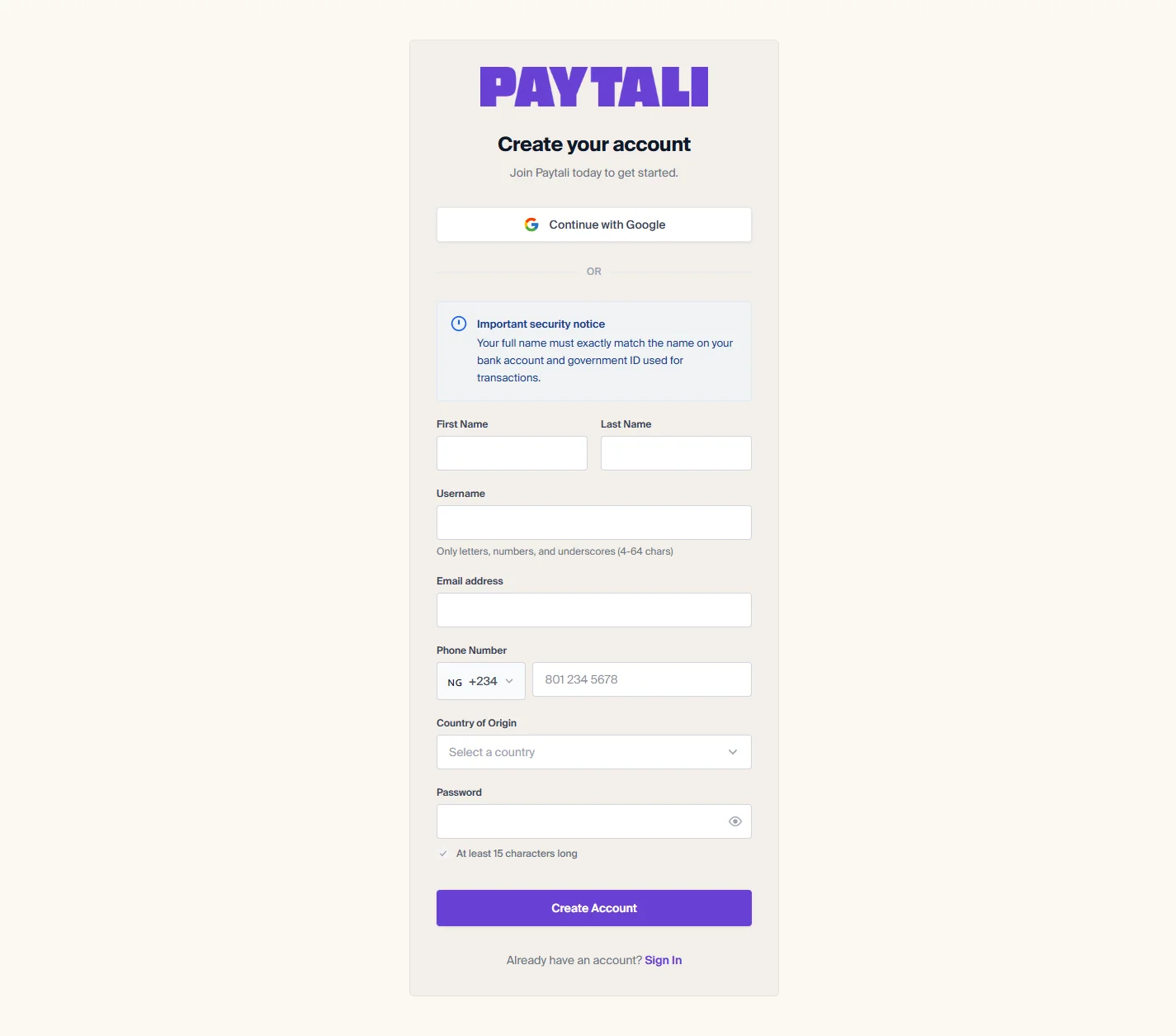
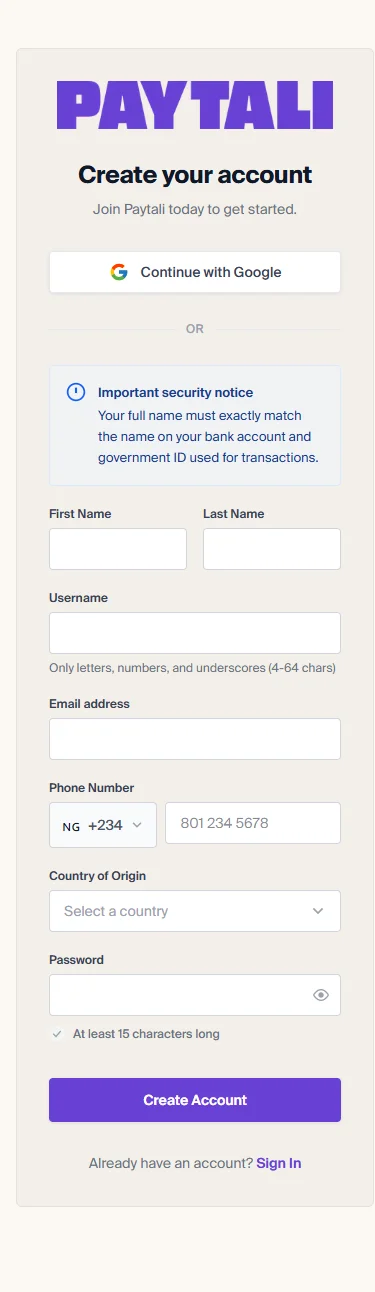
Register on the website
- Open Create an Account.
- Enter your first and last names, username, email address, phone country code and phone number, password, and country of origin.
- Choose a username with 4–64 characters using only letters, numbers and underscores. The current registration form requires a password of at least 15 characters.
- Submit the form. Enter the email verification code sent to your address.
- If phone verification is requested, enter the SMS code. Complete any remaining requirements shown before continuing.
Continue with Google
The registration screen also offers Google sign-up. After returning from Google, complete any missing username, phone or country details and requested verification. Google sign-up does not replace PayTali identity verification.
On the mobile app
Open the app’s Sign Up screen. It collects the same registration details and uses email, phone and missing-requirements steps. Follow the app’s prompts rather than looking for the website’s navigation.
If registration fails
Check the field-specific error, username format, password length and phone country code. If the email already has an account, sign in instead. Check spam for verification email and use a resend option only when the screen offers one. Never give a verification code to someone claiming to complete registration for you.
If the issue continues, contact PayTali support with the relevant order or payment reference and the error message. Never include your password, verification codes, full BVN or full NIN.