
Sign in to PayTali
Use the sign-in method associated with your account and handle verification prompts.
Have access to the email address or Google account used when you registered. Always open PayTali directly rather than following an unexpected login link.
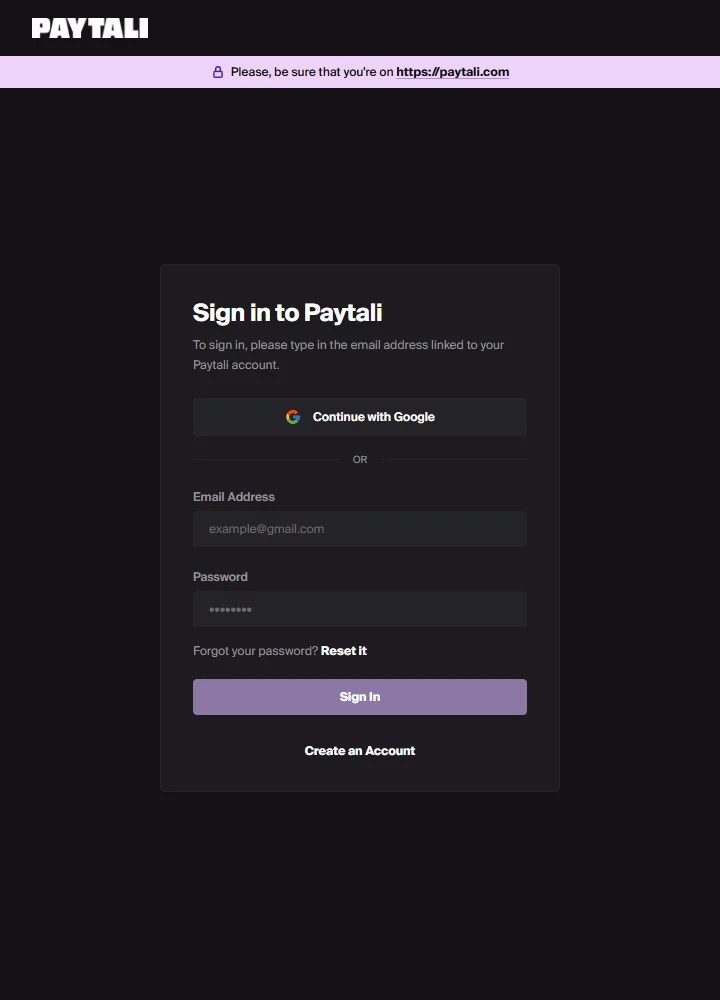
Sign in on the web
- Open Sign in to PayTali.
- Enter your Email Address and Password, then choose Sign In. If you registered with Google, use Continue with Google and select that account.
- Complete any verification-code prompt shown by the sign-in flow.
- Once signed in, open P2P, Wallet or Orders. If an account-verification prompt appears, complete that separately.
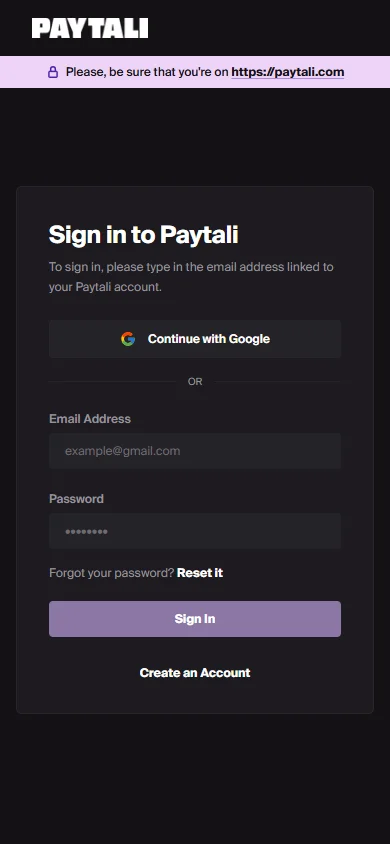
Sign in on mobile
Use the app’s Sign In screen and the same account credentials. Google sign-in may open a browser before returning to the app. Keep the app open until that return finishes.
If you cannot get in
Check that you are using the original email address and sign-in method. Do not create another account to recover existing orders. The web sign-in screen currently displays “Reset it”, but that text is not wired to a password-reset action; contact support if you need recovery rather than repeatedly selecting it.
If the issue continues, contact PayTali support with the relevant order or payment reference and the error message. Never include your password, verification codes, full BVN or full NIN.